Skip to content
SQL DATA LOG
New: how SQL DATA LOG Backup 1.0 protects your backups

Effortless SQL Backups. Local or Cloud.

Automate your SQL database backups in minutes and store them securely on-premise or across your favorite cloud providers.

Start free trial

Free edition: 1 server, 1 backup job · 14 days free · no card required

Free online health check-up

“Cloud” means your own S3-compatible storage. Your backup files never reach SQL DATA LOG.

SQL Data Log Backup
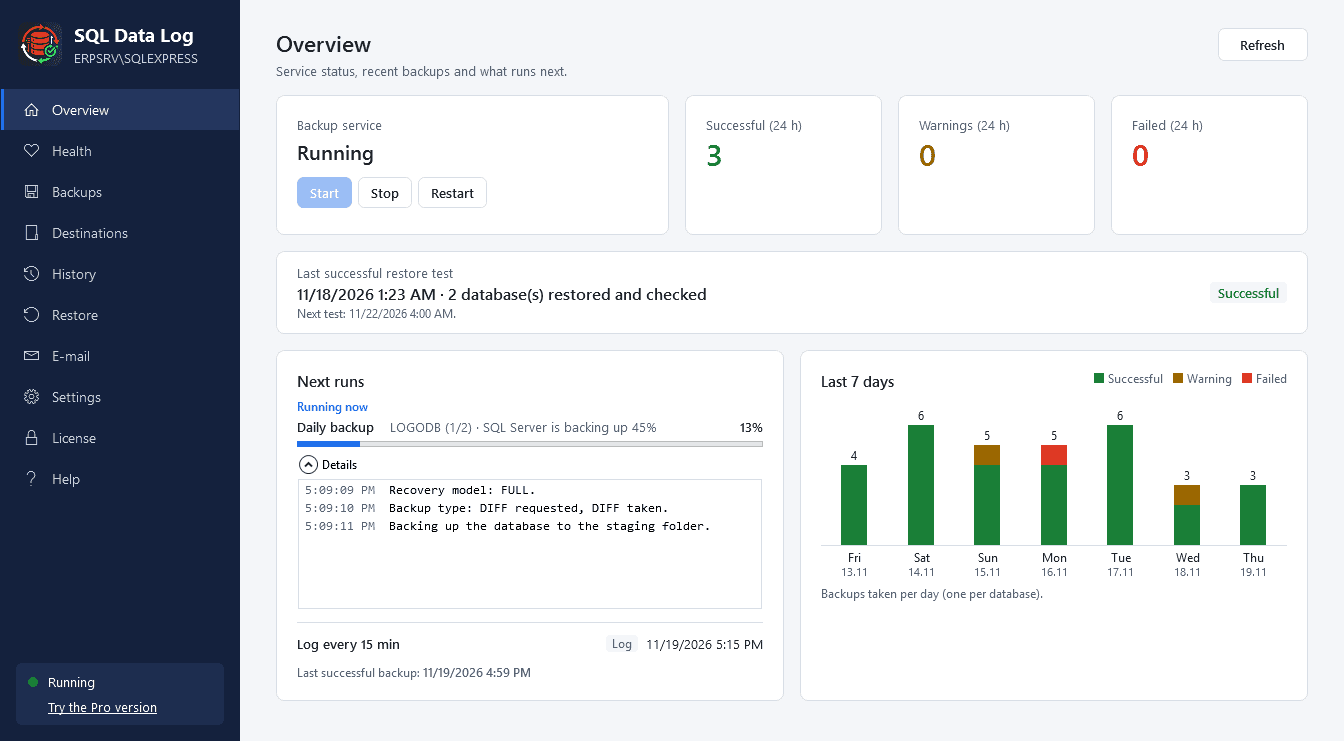
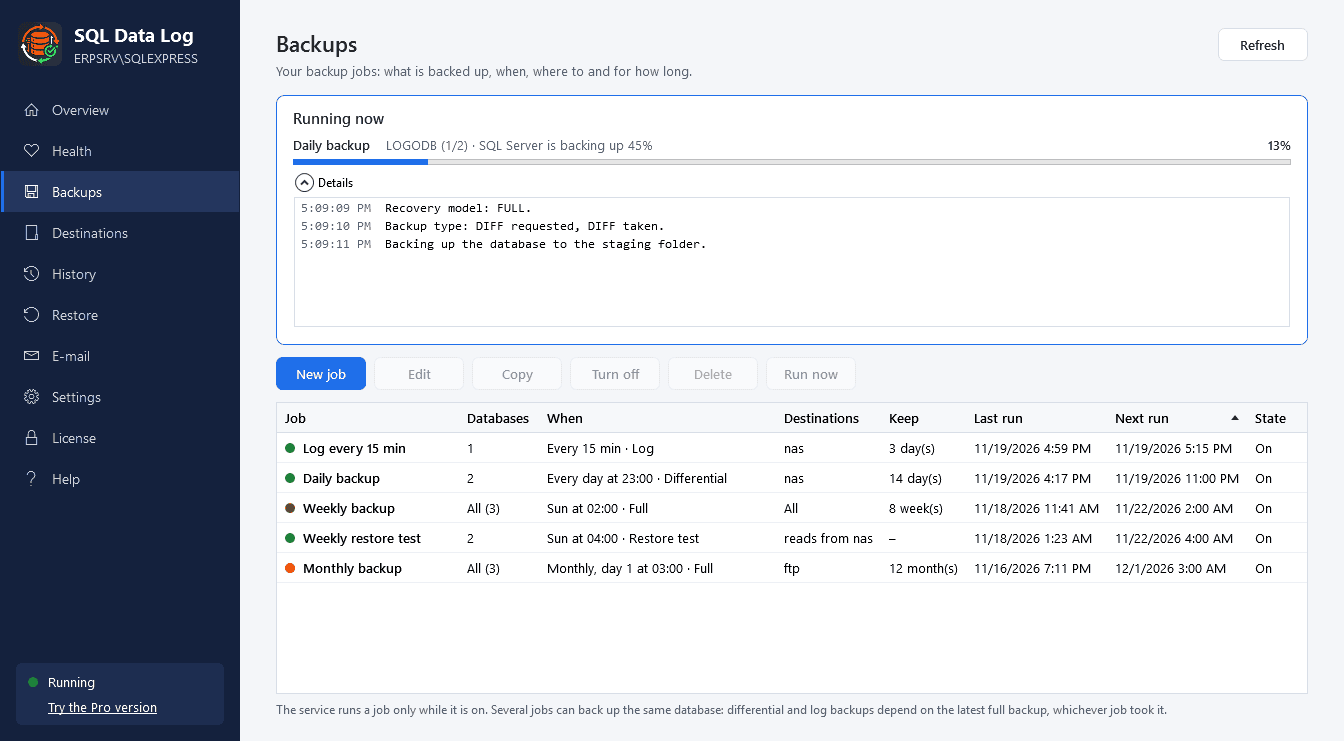
The SQL DATA LOG Backup desktop app (the UI language follows Windows).

Works with: SQL Server 2012–2025, SQL Server Express, Logo, Mikro, Netsis, Windows Server, NAS / network share, FTP, FTPS, SFTP, S3-compatible storage, AES-256-GCM, Weekly restore test (coming soon)

From your SQL Server to your own storage

One small Windows service does the work. Your backups go only where you send them.

  1. 1

    It reads your databases

    The service takes full, differential and log backups on your schedule. No SQL Agent needed, so it works on Express.

  2. 2

    It compresses and encrypts

    Each backup is compressed and encrypted with AES-256-GCM on your server. The key stays with you.

  3. 3

    It copies to your targets

    A local folder, a network share, an external disk, FTP/SFTP or S3-compatible storage. Use two targets and one can fail safely.

A backup counts only if it restores

Every backup is verified today. From version 1.0, SQL DATA LOG also proves it every week, so you do not find out on the worst day.

Coming soon

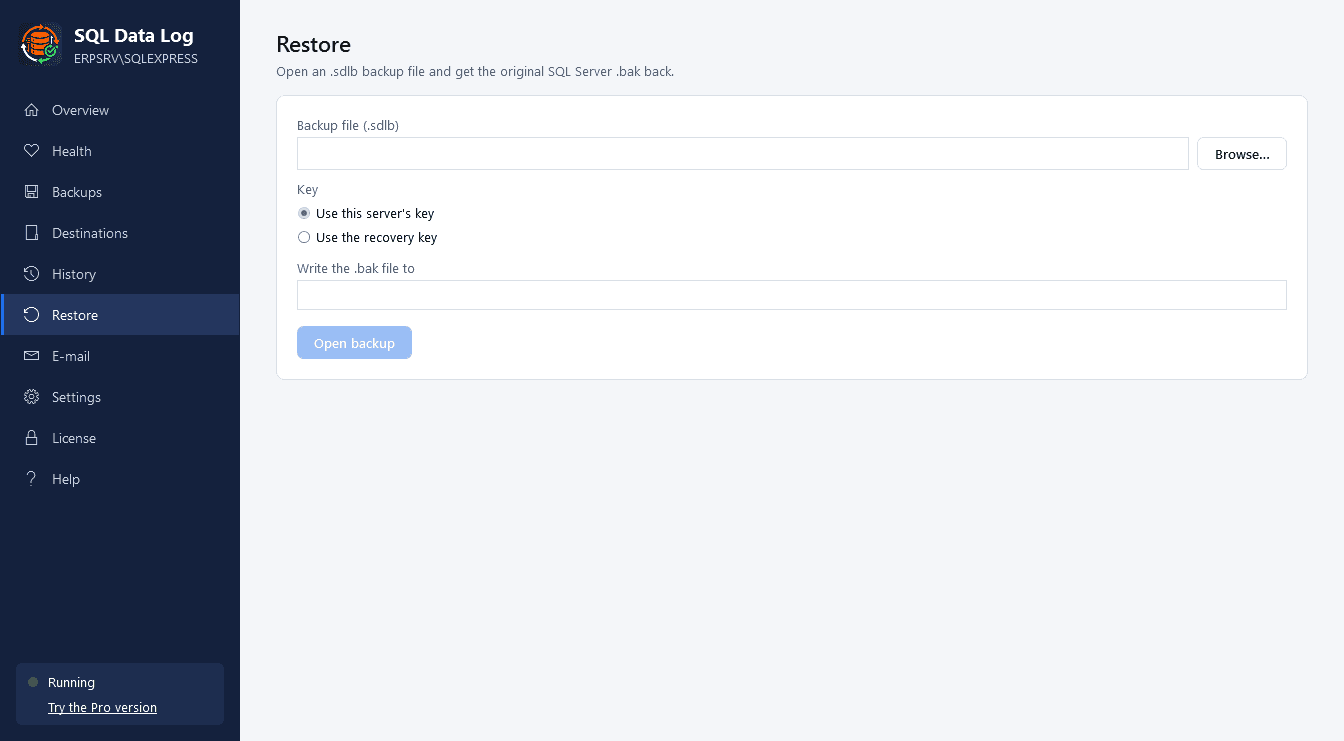
Available today: every backup is checked with RESTORE VERIFYONLY and CHECKSUM, and you can restore manually from the app or with sqldatalog decrypt. The automatic weekly test below arrives with 1.0.

  1. 1

    Restore under a temporary name

    The latest backup is restored as SQLDataLog_Test_… next to your live database.

  2. 2

    Run CHECKDB

    The restored copy is checked for corruption.

  3. 3

    Compare row counts

    Row counts confirm the copy holds your data.

  4. 4

    Delete the test database

    The test copy is removed every time, even when something fails.

How the restore test will work

Example notifications, not real data. The restore test message shows what 1.0 will send.

Send backups where you want them

Your own storage, never ours. Backup files do not reach SQL DATA LOG.

Supported now

  • Local folder

    A folder on the server or another disk.

  • Network share / NAS (UNC)

    A share such as \\nas01\backup.

  • External disk

    A USB or external drive that Windows shows as a folder.

  • FTP, FTPS and SFTP

    Any server that speaks these protocols.

  • S3-compatible storage

    Amazon S3, Backblaze B2, Wasabi, Cloudflare R2, MinIO, IDrive e2 and Google Cloud Storage (S3 interoperability).

On the roadmapComing soon

  • WebDAV
  • Dropbox
  • Google Drive
  • OneDrive
  • Azure Blob
  • Box

A desktop app and a command line

Set up with the wizard. Script and monitor with the sqldatalog tool.

  • sqldatalog statusService state, next runs and last results.
  • sqldatalog backup nowRun a backup job right now.
  • sqldatalog decryptTurn an encrypted backup back into a .bak file with your recovery key.
  • sqldatalog logShow recent job results.

Shortened example. The real output also lists next runs and last results.

Facts, not statistics

days free trial
14
backup types: full, differential, log
3
bit encryption, key stays with you
AES-256
inbound ports to open
0

See the app

A desktop app with a setup wizard. No scripts, no SQL Agent.

And the Analysis module

A read-only health scan and a monthly report your CFO can read. It never writes to your databases.

  • Daily health scan

    Disk space, growth, integrity, backup status, settings, slow queries and fragmentation.

  • Monthly report card

    One page: what is fine, what needs attention and what to do next.

  • Alerts

    A warning when something needs attention, before it becomes an outage.

Monthly health report

Örnek Plastik A.Ş.

November 2026 · ERP-SRV01

Health score

92

  • Latest backup verified on Nov 12, 2026

    RESTORE VERIFYONLY and CHECKSUM passed. The weekly restore test will add a full restore check from version 1.0. No action needed.

  • Nightly backups completed

    30 of 30 nights succeeded and every backup was verified.

  • Disk D: has 18% free space

    Plan more space this month. At the current growth it fills up in about four months.

  • Integrity check is overdue

    The last successful CHECKDB was 21 days ago. Schedule one for this weekend.

Sample data for a fictional company.

Built so you do not have to trust us

Your backups and your keys stay with you. We only see what is needed to prove things work.

  • Your backup files never reach us

    They go only to your own targets: a local folder, a NAS or S3-compatible storage.

  • The key stays with you

    The encryption key lives on your server. You get a recovery key at setup.

  • Outbound connections only

    The agent connects out over HTTPS. You never open an inbound port.

Start free, pay when you grow

The free Backup edition covers 1 server and 1 backup job. Paid plans are priced by number of servers.

Frequently asked questions

Know that your backup comes back.

Install the agent today. Every backup is verified from day one, and the weekly restore test joins with 1.0.

Start free trial

Free edition: 1 server, 1 backup job